Account
Create an account before connecting a sensor or building a dashboard.
Register
Open the Visamic web application and select the option to create a new account.
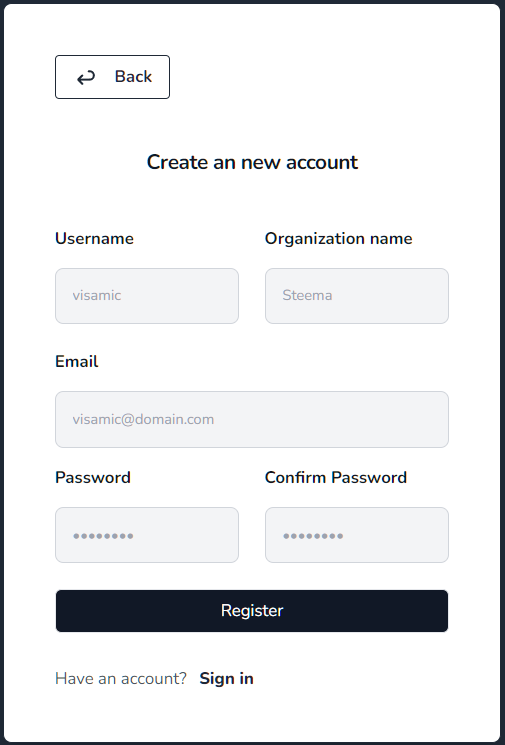
A confirmation email will automatically be sent to you and you'll get access to the site.
After registration, check your email if Visamic asks you to confirm the account.
Sign in
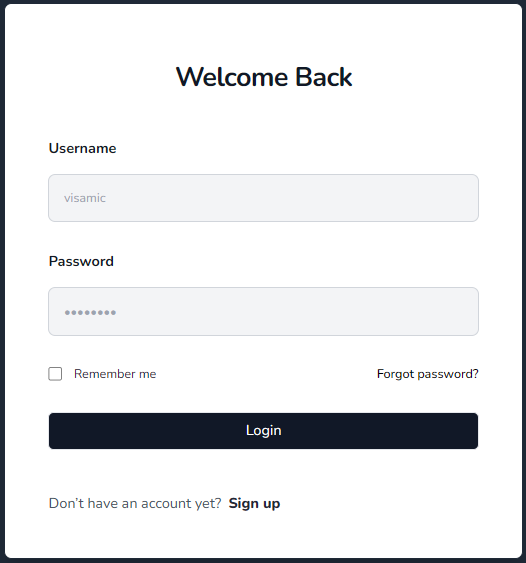
Enter your credentials in the sign-in form:
Profile picture
Open Account from the user menu in the sidebar to change your profile picture. Select an image, then drag it inside the square crop area and use the zoom control to choose the framing. Select Use this photo to save the square avatar.
Organization avatar
Open Organization and select the camera button on the organization avatar. Drag the image inside the square crop area, adjust the zoom, and select Use this image. Any confirmed and enabled member of the organization can upload a JPEG, PNG, WEBP, or GIF image up to 2 MB. The new avatar is also shown in the organization selector and sidebar.
First visit
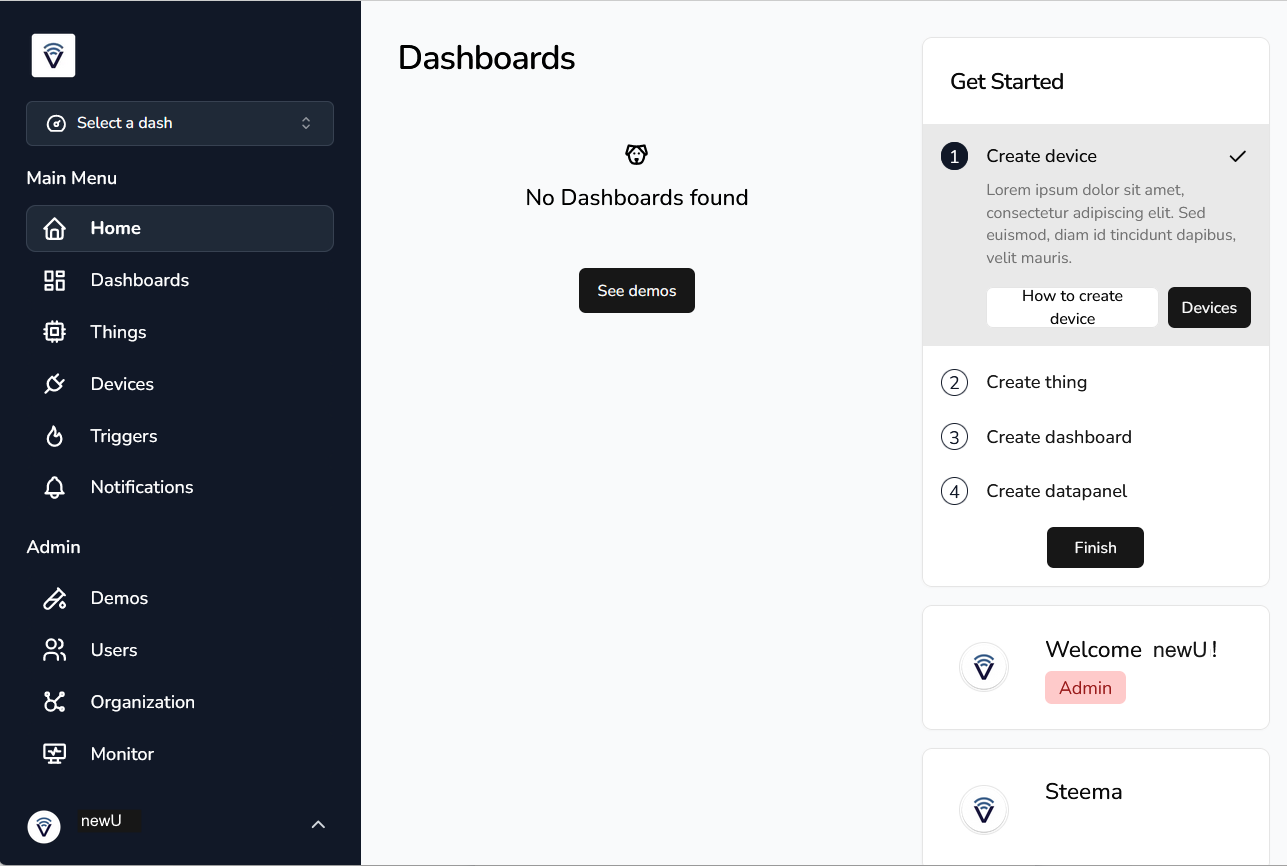
After signing in, the home page is shown. If you have not created any objects yet, it will look similar to this:
You are now ready to connect a sensor.